PayWatch
Your bills are quietly bleeding money. PayWatch connects to your Gmail, automatically scans for every bill, subscription, and payment, and alerts you to price hikes, hidden fees, and charges you didn't expect.




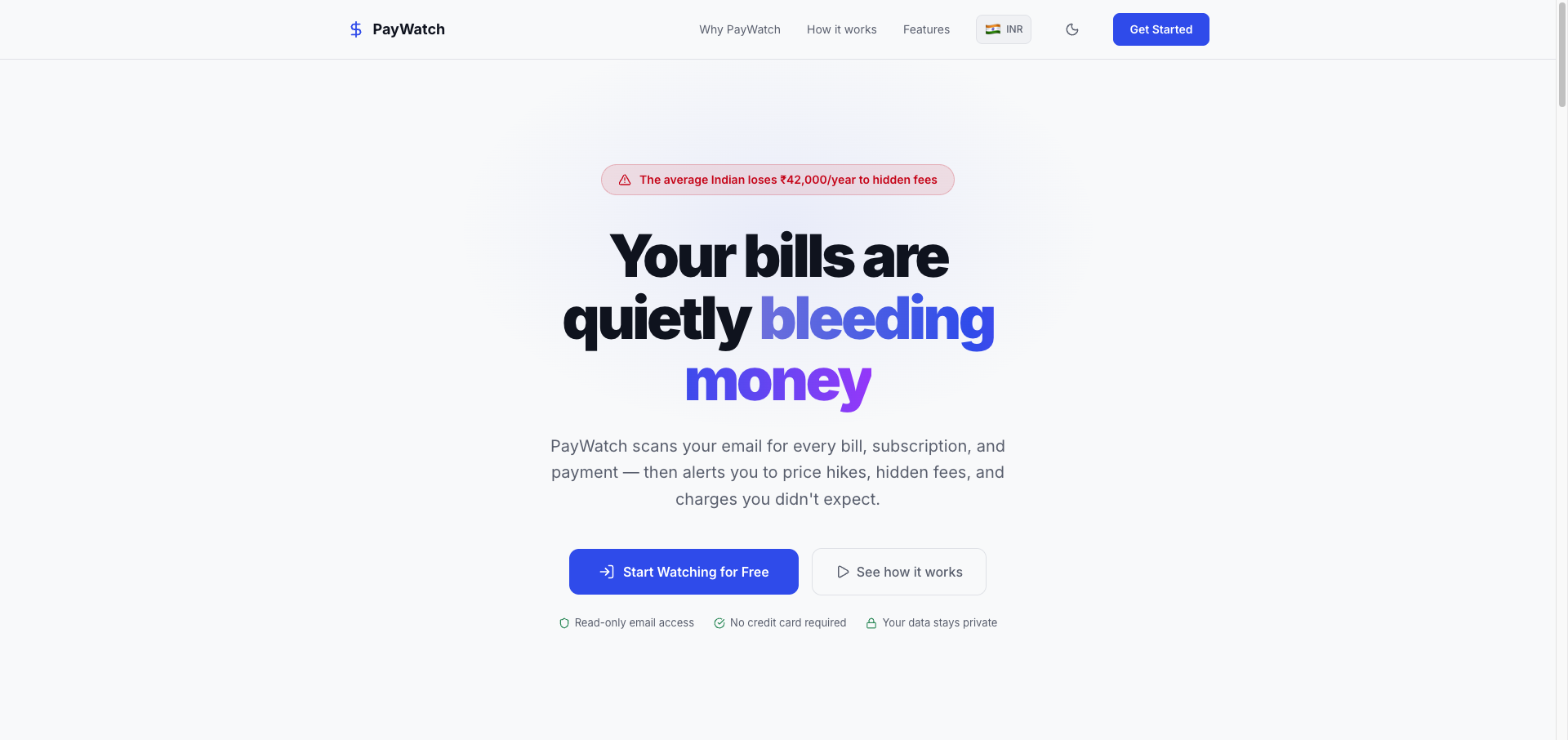
How It Works
PayWatch follows three simple steps:
- Connect Gmail -- Sign in with Google. We request read-only access to scan payment-related emails only.
- Auto-Detect Everything -- AI parses bills, statements, and receipts. Identifies amounts, due dates, billers, and irregularities.
- Get Notified Instantly -- Price hikes, hidden fees, upcoming deadlines -- alerts reach you via push, email, or your dashboard.
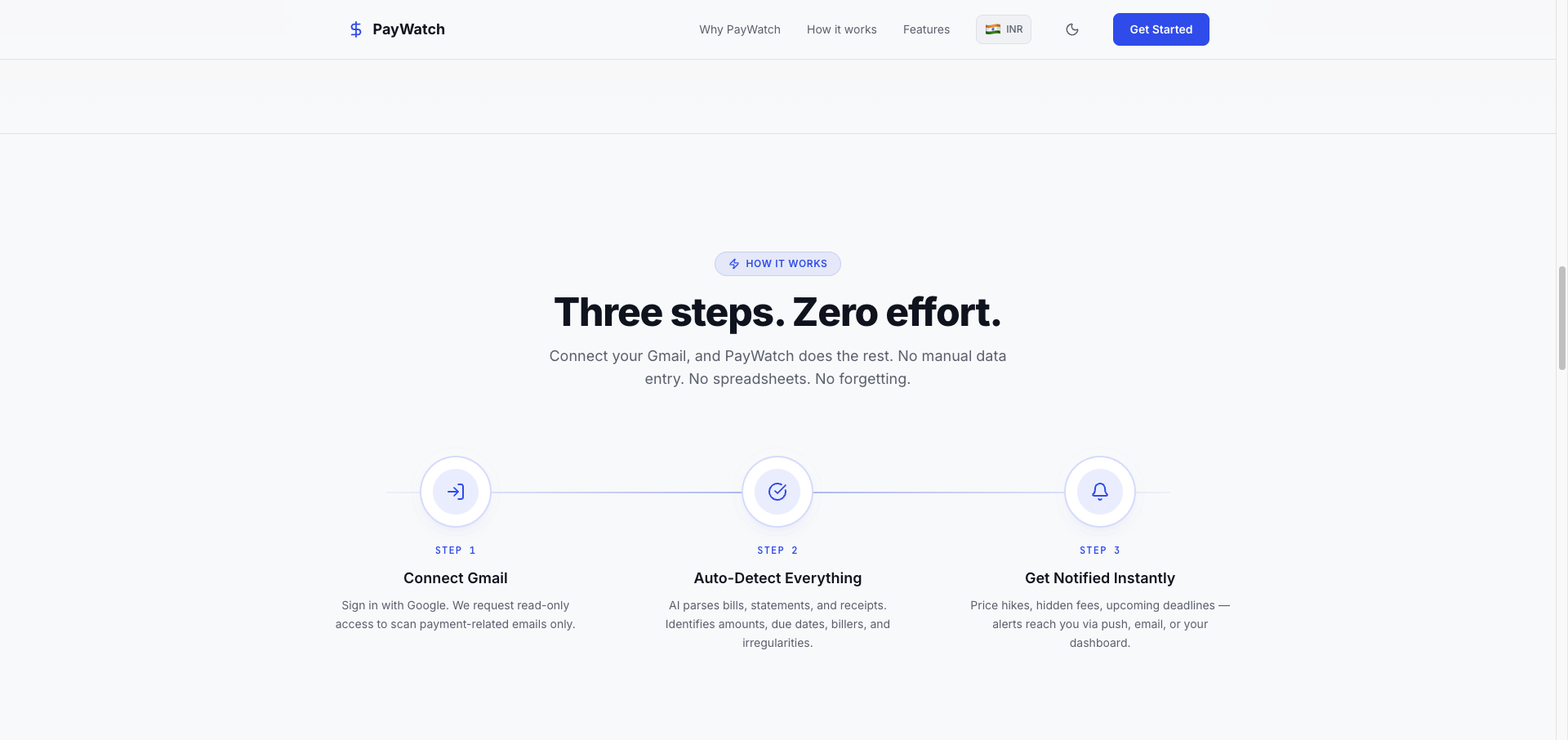
Dashboard
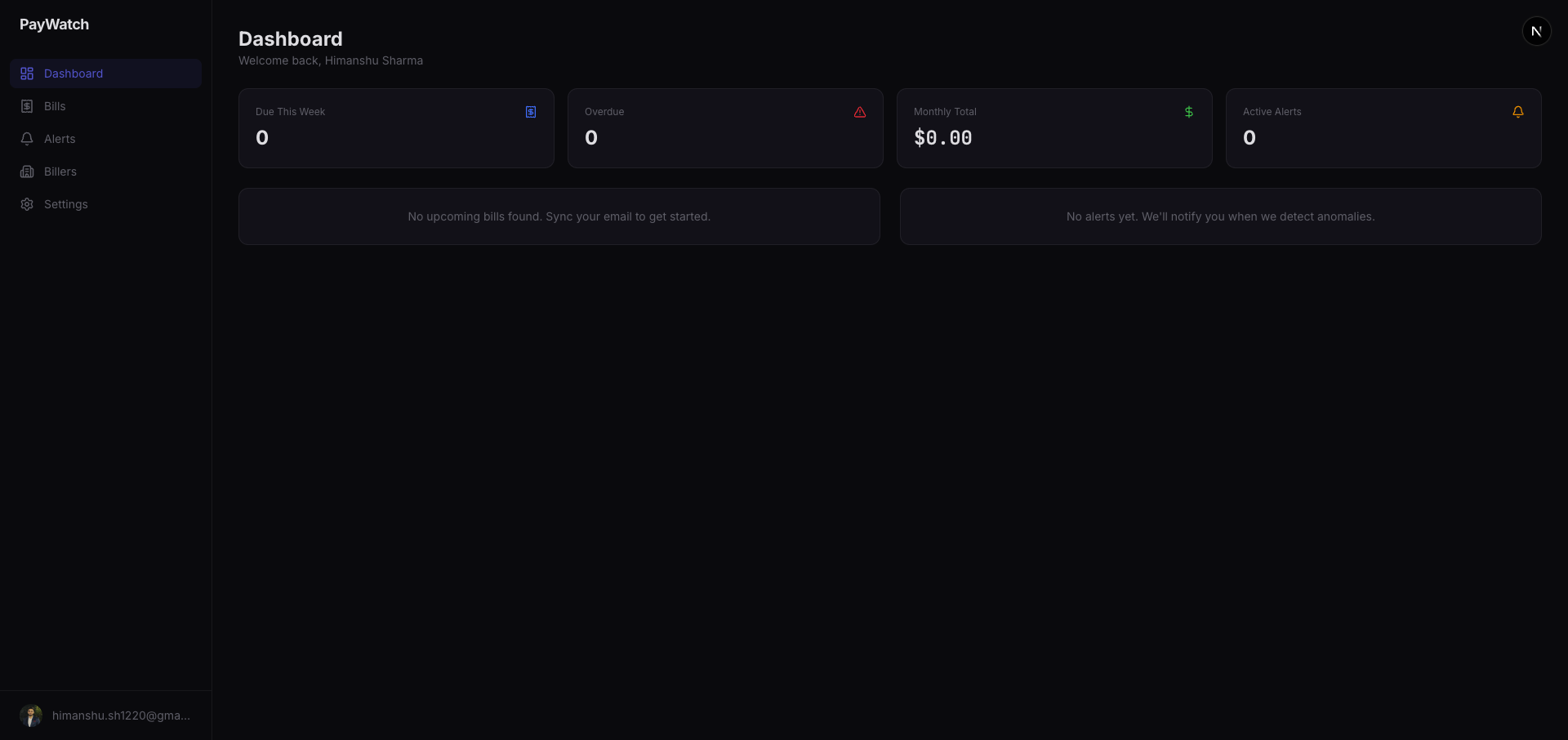
A dark-mode dashboard gives you a complete overview of your financial obligations at a glance -- due this week, overdue bills, monthly totals, and active alerts.
Features
| Feature | Description |
|---|---|
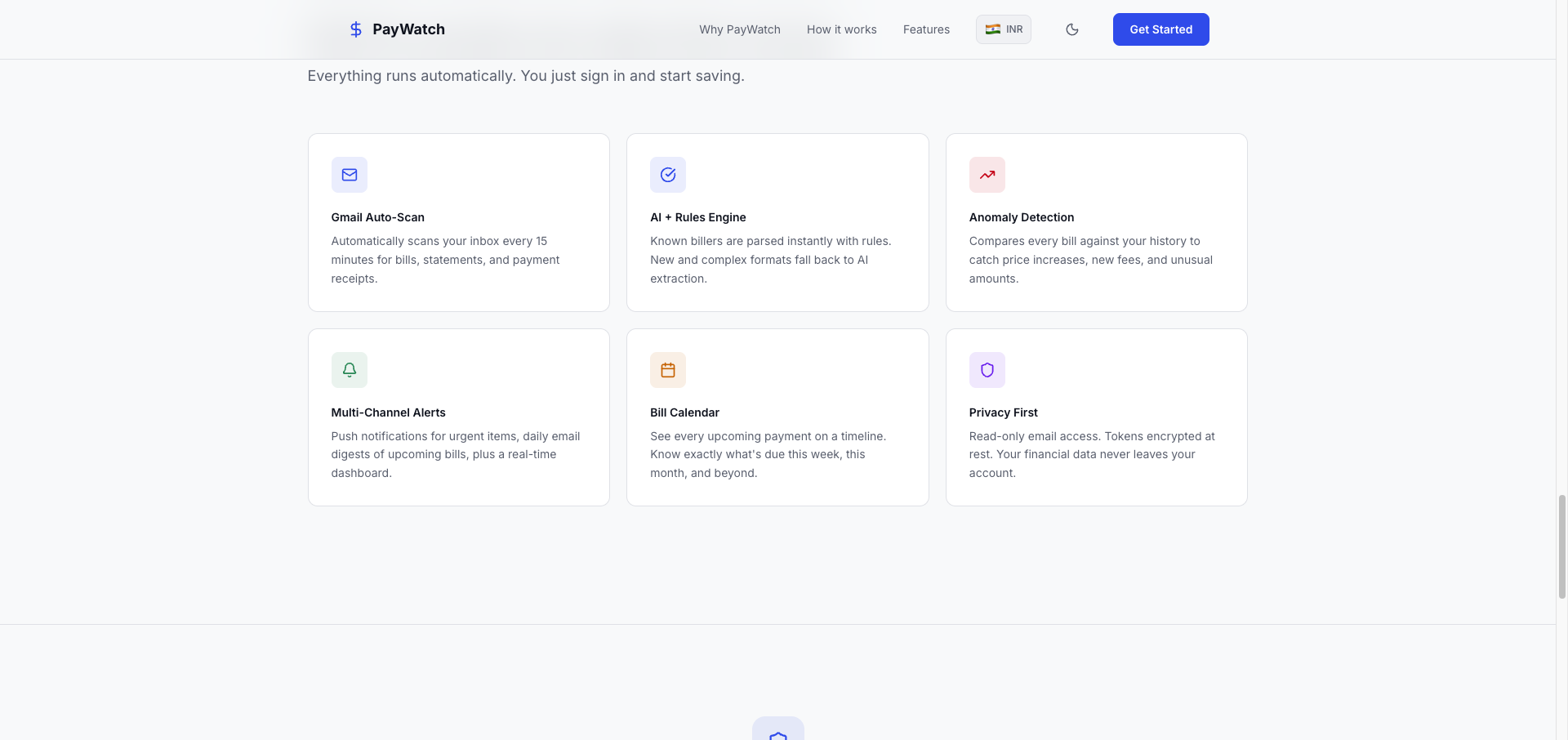
| Gmail Auto-Scan | Automatically scans your inbox for bills, statements, and payment receipts |
| AI + Rules Engine | Known billers are parsed instantly with rules. New and complex formats fall back to AI extraction |
| Anomaly Detection | Compares every bill against your history to catch price increases, new fees, and unusual amounts |
| Multi-Channel Alerts | Push notifications for urgent items, daily email digests, plus a real-time dashboard |
| Bill Calendar | See every upcoming payment on a timeline. Know what's due this week, this month, and beyond |
| Privacy First | Read-only email access. Tokens encrypted at rest. Your financial data never leaves your account |
Supported Billers
PayWatch comes with built-in rule-based parsers for popular billers across US and India:
US: Netflix, Spotify, Chase, Amex, Con Edison, AT&T, Verizon, AWS, Google Cloud, Adobe
India: Hotstar, Spotify, HDFC, SBI, Tata Power, Jio, Airtel, AWS, Google Cloud, Adobe
Any unrecognized biller is handled by the OpenAI-powered LLM fallback parser.
Tech Stack
| Layer | Technology |
|---|---|
| Framework | Next.js 16 (App Router) |
| Language | TypeScript 5 |
| Database & Auth | Supabase (PostgreSQL + Google OAuth) |
| Email Integration | Google Gmail API (read-only) |
| AI/LLM | OpenAI (bill parsing fallback) |
| Transactional Email | Resend |
| Push Notifications | Web Push (VAPID) |
| Styling | Tailwind CSS v4 |
| Animations | Motion |
| Icons | Lucide React |
| Linting | Biome |
| Hosting | Vercel |
Getting Started
Prerequisites
- Node.js 20+
- pnpm
- A Supabase project with Google OAuth configured
- OpenAI API key
- Resend API key (for email digests)
Setup
-
Clone the repository
git clone https://github.com/sh-himanshu/pay-watch.git cd pay-watch -
Install dependencies
pnpm install -
Configure environment variables
cp .env.local.example .env.localFill in the values:
# Supabase NEXT_PUBLIC_SUPABASE_URL=https://your-project.supabase.co NEXT_PUBLIC_SUPABASE_ANON_KEY=your-anon-key SUPABASE_SERVICE_ROLE_KEY=your-service-role-key # OpenAI (LLM fallback parser) OPENAI_API_KEY=sk-your-openai-key # Resend (email digests) RESEND_API_KEY=re_your-resend-key # Web Push (generate with: npx web-push generate-vapid-keys) NEXT_PUBLIC_VAPID_PUBLIC_KEY=your-vapid-public-key VAPID_PRIVATE_KEY=your-vapid-private-key # Cron security CRON_SECRET=your-random-secret-string -
Run database migrations
Apply the SQL migrations in
supabase/migrations/to your Supabase project. -
Start the dev server
pnpm devOpen http://localhost:3000 to see the app.
Project Structure
pay-watch/
├── app/                    # Next.js App Router pages
│   ├── page.tsx            # Landing page
│   ├── login/              # Google OAuth login
│   ├── dashboard/          # Protected dashboard routes
│   │   ├── page.tsx        # Dashboard overview
│   │   ├── bills/          # Bills list
│   │   ├── alerts/         # Active alerts
│   │   ├── billers/        # Detected billers
│   │   └── settings/       # Notification preferences
│   └── api/                # API routes & cron jobs
│       ├── sync/           # Manual email sync
│       ├── cron/           # Scheduled sync, reminders, digests
│       ├── alerts/         # Alert dismiss/read actions
│       └── push/           # Push notification subscription
├── components/             # React components
├── lib/                    # Core logic
│   ├── biller-rules.ts     # Rule-based parsers for known billers
│   ├── services/           # Email sync, parsing, alerts, push
│   ├── supabase/           # Supabase client variants
│   └── types.ts            # TypeScript type definitions
├── supabase/migrations/    # Database schema migrations
└── public/                 # Static assets
Cron Jobs
PayWatch uses three scheduled cron jobs (configured in vercel.json):
| Schedule | Endpoint | Description |
|---|---|---|
| Daily at midnight | /api/cron/sync-all | Syncs all connected email accounts |
| Daily at 8:00 AM | /api/cron/reminders | Sends push notifications for upcoming/overdue bills |
| Daily at 8:00 AM | /api/cron/digest | Sends daily/weekly email digest summaries |
License
MIT